
DON'T JUST READ. TRY IT.
One room.
Your possibilities.
Control the light, blinds and underfloor heating in the living room. Below, you’ll find three routines that respond on their own. Everything is a simulation.
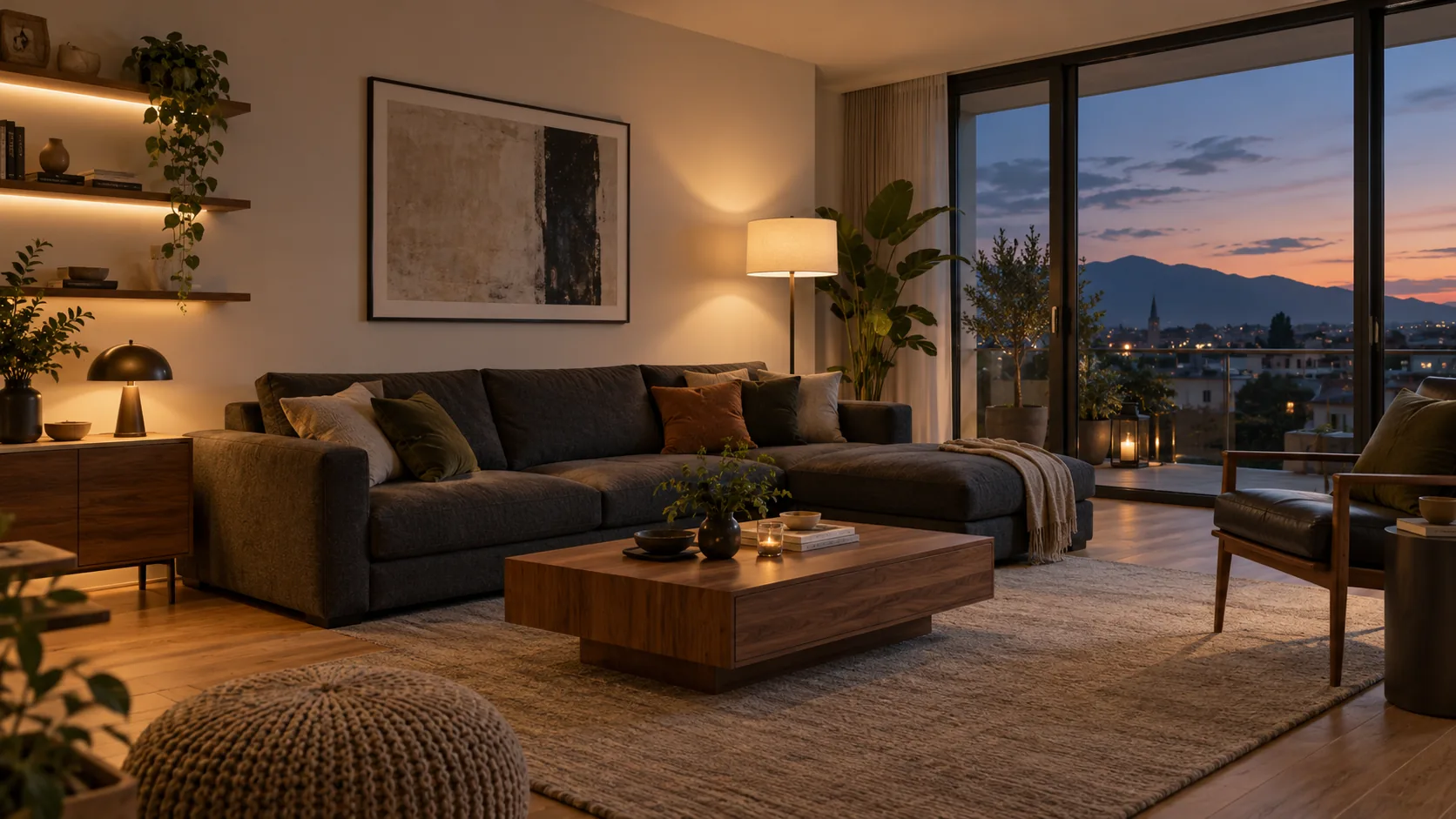
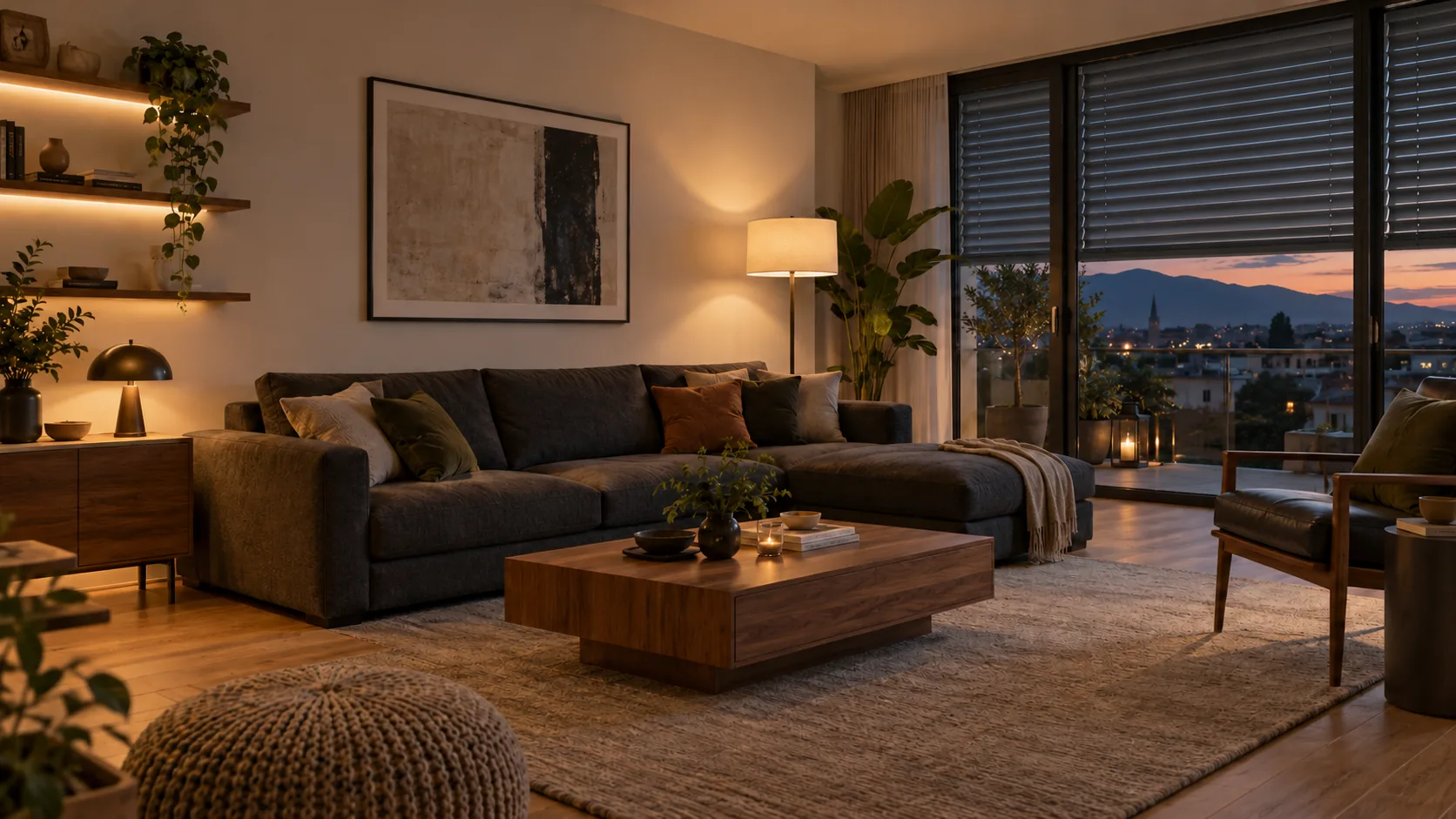
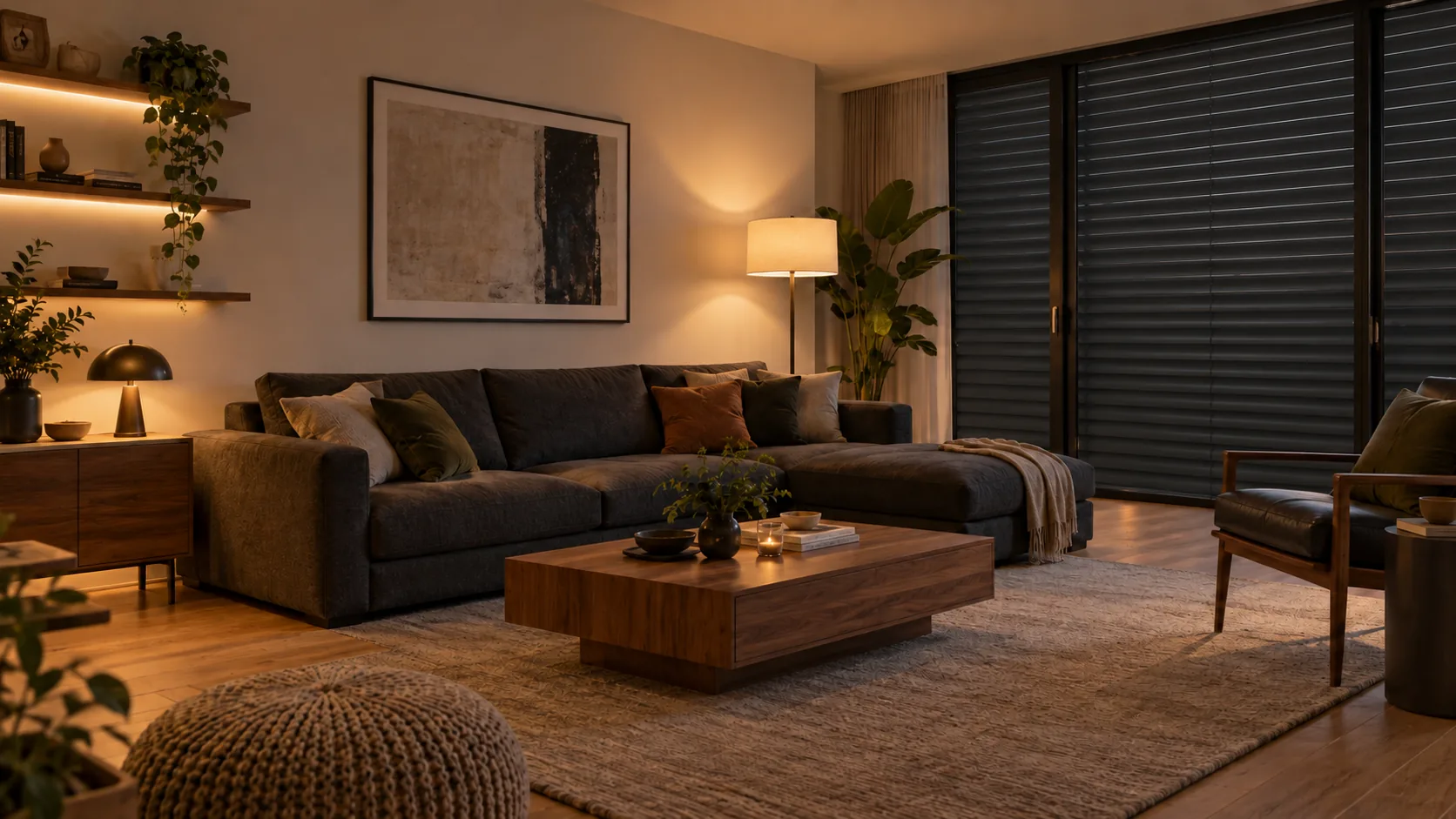
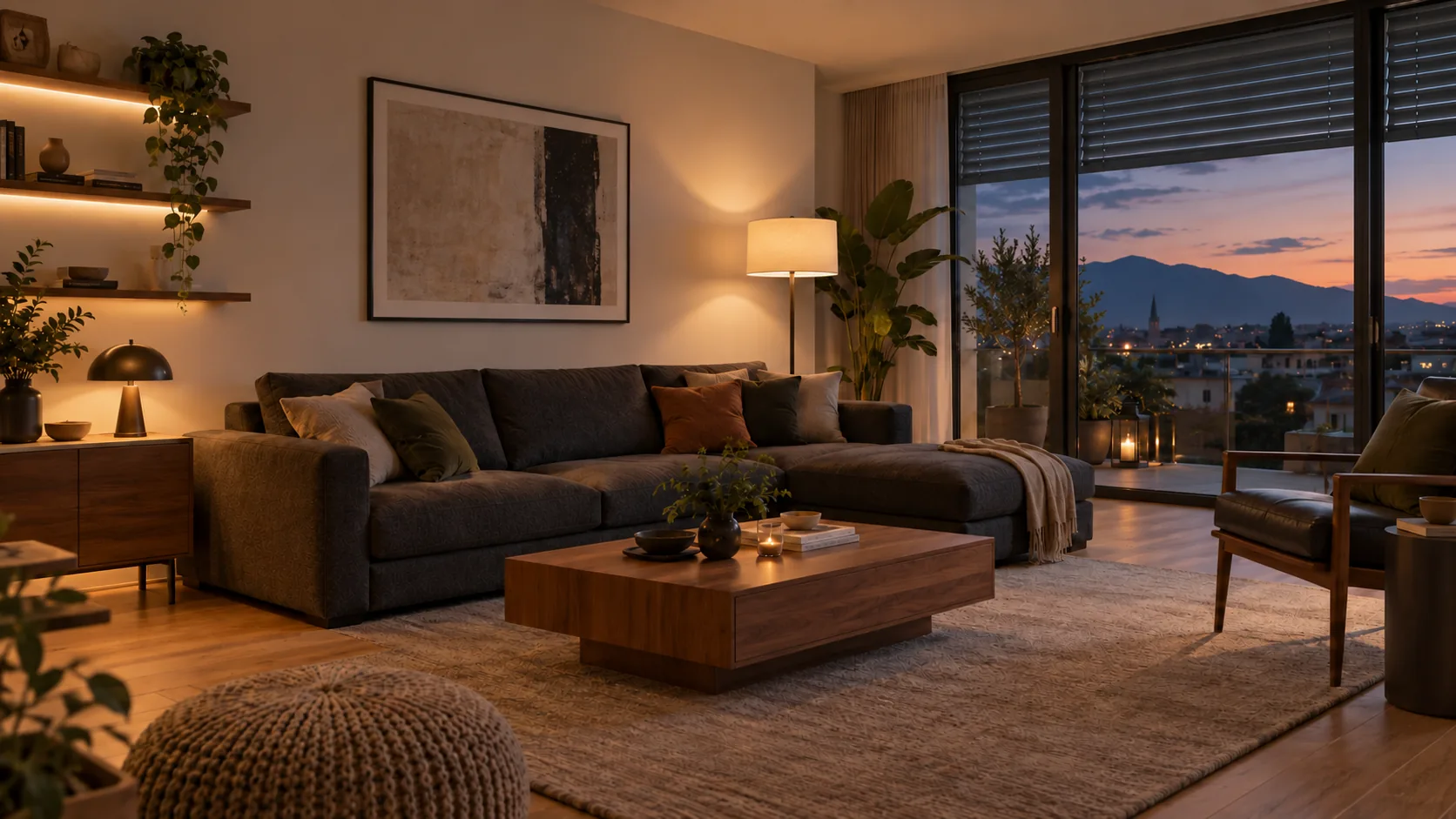
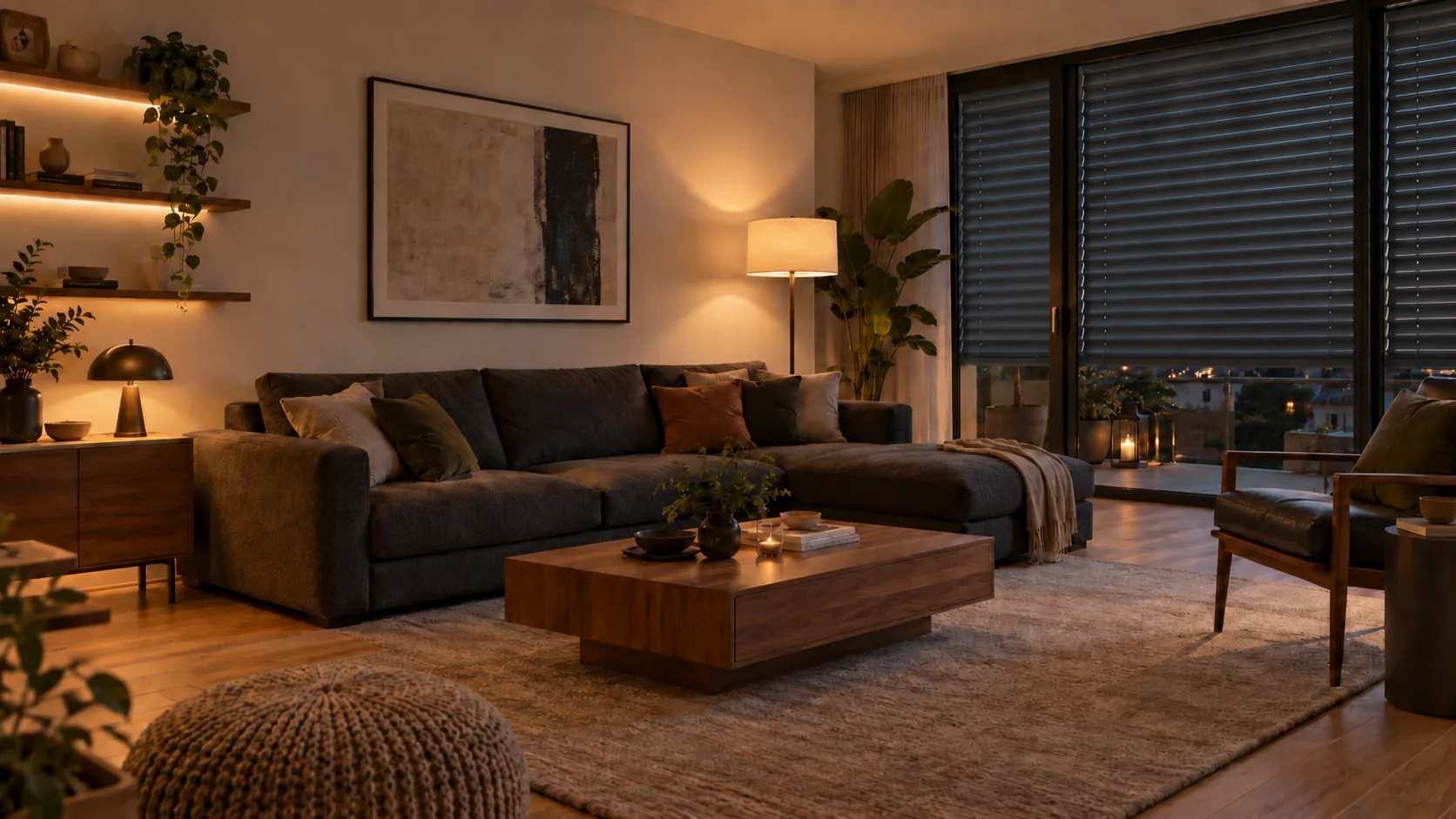

Time-lapse
One glance. All under control.
Tap or drag – the room responds.
Underfloor heating
Room 20.0 °CHeating is on
Simplified time-lapse simulation
Or try a scene
At home: light 70%, blinds open, desired temperature 21°C.
About this demo
Illustrative example. The blinds show five positions: open, one-quarter, half, three-quarters and fully closed. Controls, gestures and functions depend on the selected devices and how they are integrated. The voice demo does not access your microphone.
The floor colour shows whether the heating is on. Values and timing are simplified; real underfloor heating responds much more slowly. We assess individually whether and how your heating can be upgraded.
IN EVERYDAY LIFE
Routines that start automatically.
Door open, sunset, laundry done: try out how devices respond on their own.
From Anes’s home · simplified
Patio door and humidifier
Pauses while you air the room and starts again when needed.
How does it work?
- Trigger
- The humidity in the room drops – or the patio door opens.
- Response
- The humidifier runs according to the room reading. If the door is open, it pauses.
All values are demo values. How a humidifier can be switched depends on the device.
From Anes’s home · simplified
Patio light at sunset
Light in the evening, without having to remember every day.
How does it work?
- Trigger
- The sun sets.
- Response
- The patio light switches on and turns off again at midnight.
A smart home hub normally calculates sunset from the configured location.
Sunset simplified to 18:30 (example value). No location is requested.From Anes’s home · simplified
Laundry done
You get notified when the laundry is done.
How does it work?
- Trigger
- The washing machine reports: programme finished.
- Response
- A notification appears on your phone. A compatible speaker can also announce it.
Whether this routine is possible depends on the washing machine and how its status can be detected. The speaker announcement is optional. The demo does not play sound.
Simplified simulation. No real devices are controlled and no data is stored.
YOUR NEXT STEP
Which routines suit your home?
In a free initial phone call, we’ll clarify which of your devices can be connected and what makes sense in everyday life.