
We connect what you have.
See device status, receive notifications or start routines across devices: we check what your models support.
See devices & possibilities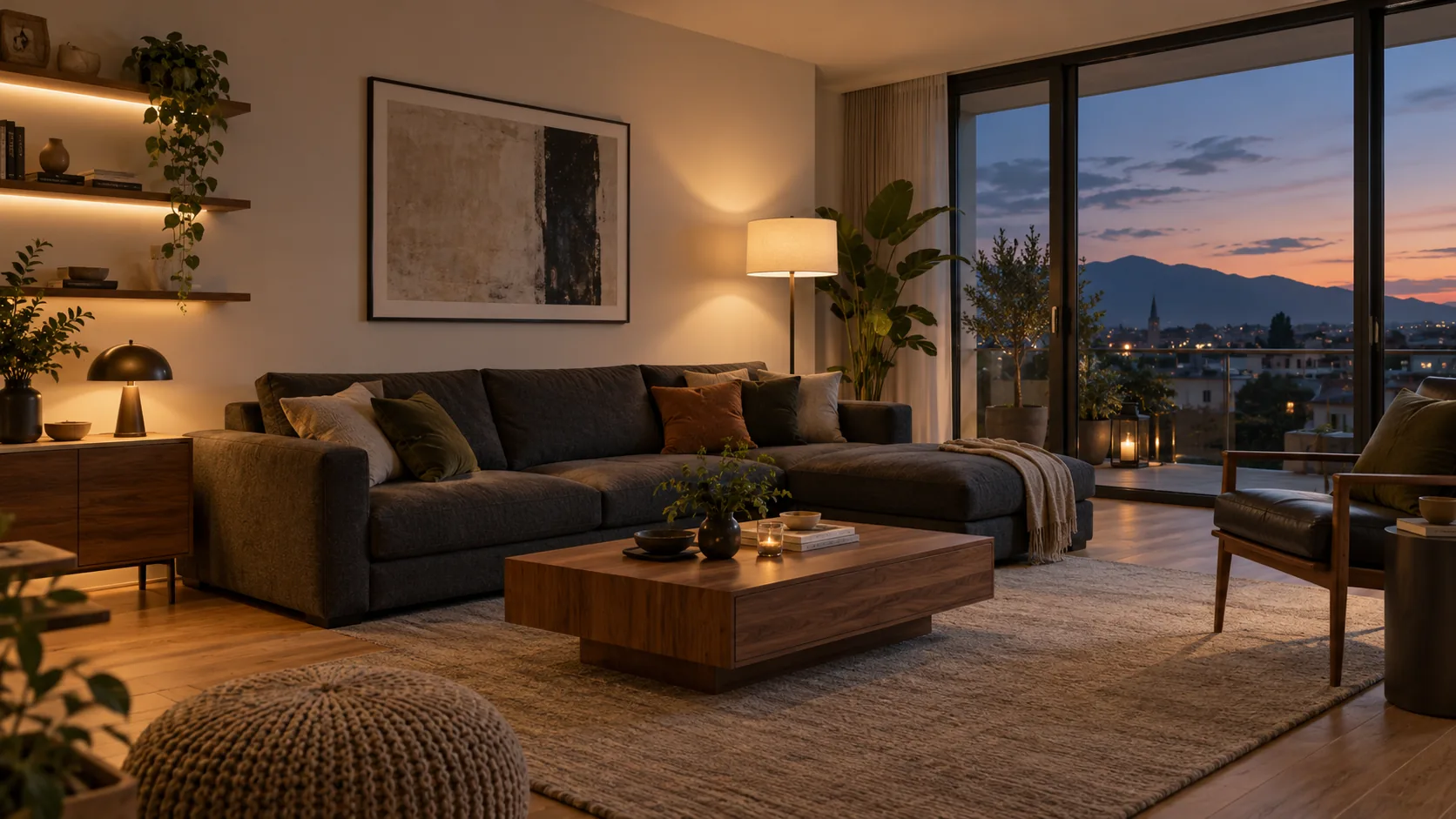
SMART HOME · GRAZ & SURROUNDING DISTRICT
We connect compatible devices in your home – from lights and heating to your washing machine, robot vacuum and TV.
With Home Assistant, we set up shared controls and practical routines. We first check what you already have and add only what makes sense.
WHAT WE DO FOR YOU
One idea is enough to get started. We look at which devices and functions can work together to make it happen.
See device status, receive notifications or start routines across devices: we check what your models support.
See devices & possibilitiesAdd lighting, climate or shading controls – with suitable devices and as little disruption to your home as possible.
Explore upgradesIf you wish, we source suitable products, set up the agreed functions and show you how to use them.
How setup worksTell us the model names. During the free initial phone call, we discuss which connections may be possible.
Try it yourselfLights · Blinds · Underfloor heating
EXPERIENCE SMART HOME
Dim the lights, change the desired temperature or start movie night. The demo shows you what happens straight away.
Below, three examples show how devices respond automatically – for example, when the patio door opens.
Open the interactive living roomSimplified simulation with an AI-generated visualisation.

YOUR CONTACT
I use Home Assistant in my own home and test which routines help in everyday life. I bring that experience to your consultation.
As a building technician and project manager, I look at what is already there, what can sensibly be added and how to keep it easy to use.
Through AI Smart Living, I support you from the first idea to setup – as a service from AI Bau & Sanierung GmbH.
More about me & the processOUR FOUNDATION: HOME ASSISTANT
Home Assistant is an open smart home platform. It lets compatible devices from different manufacturers share controls and work together in routines.
Questions about technology & privacyThe hub runs in your home. Whether individual devices work without the internet depends on how they are connected. Manufacturer apps and cloud services may still be needed.
You can start small and add suitable functions later. We explain the setup so you can use your system yourself and get support when needed.
HOW WE GET STARTED
Before you go ahead, you know which services and costs are agreed.
We discuss your wishes and existing devices over the phone.
If needed, an on-site consultation follows. We agree the scope and cost beforehand.
We carry out the agreed work, test the functions and show you how to use them.
The initial phone call is free. The on-site consultation is charged; we agree the fee in advance, including how it will be credited if you go ahead with the work.
Many functions can be added with plug-in devices or wireless sensors. We first check whether fittings or electrical installations need changing. This may require your landlord’s consent.
That depends on the devices and the chosen solution. We account for your usual way of using them. Manufacturer apps may still be needed for updates or certain functions, for example.
YOUR NEXT STEP
Tell us about your devices and everyday life. We’ll start with a free phone call.